Press Kit
Everything you need to write about EditBuddy — brand assets, boilerplate, fact sheet, and a direct line to the team. Feel free to use anything below without asking first.
Boilerplate
Copy-paste these wherever useful. Three lengths depending on your format.
Fact sheet
Brand assets
Logos, screenshots, and product imagery. All files are royalty-free for editorial use. Please don't alter the logo color or proportions.

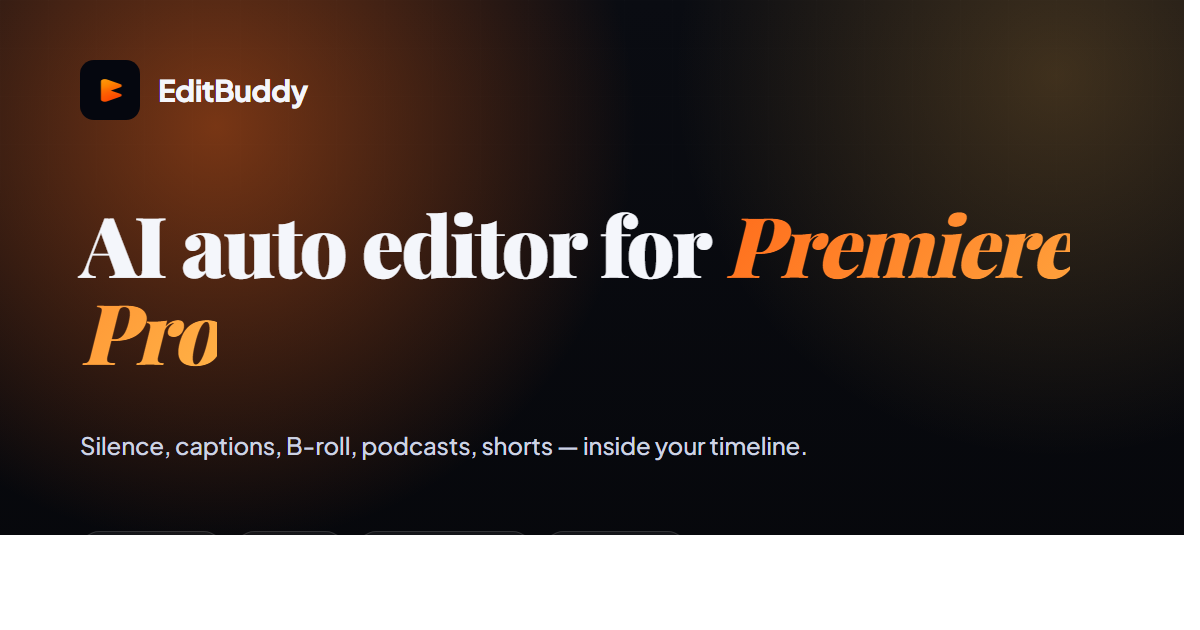
OG / social banner
1200×630 banner used on social shares. Dark background with brand gradient.
Product screenshots
Panel in Premiere, timeline before/after, feature UI. Contact us for specific shots.
Brand guidelines
Quick rules for using the EditBuddy name and logo in coverage.
Name
Always one word: EditBuddy (not Edit Buddy, edit buddy, or EB). No ™ symbol needed in editorial use.
Brand colors
Primary orange: #ff6a1a
Accent: #ffb347
Logo clear space
Keep at least 1 logo-width of empty space around the mark. Don't stretch, rotate, or add effects.
Don't
Don't recolor the logo. Don't use the logo in a sentence (e.g., "Edit with [logo] today"). Don't imply endorsement of other products.
Story angles
Things journalists have asked about. All are fair game.
- The "AI doesn't replace editors, it replaces the boring 80%" angle — how EditBuddy's design philosophy differs from text-based editors like Descript.
- Why hybrid detection beats pure AI for retake cleanup — technical deep-dive on combining rule-based and AI passes.
- Solo founder building for Premiere Pro editors — founder's workflow that led to the product.
- Competing with VC-backed incumbents at $19/month Pro — why unit economics work for a Premiere extension where they don't for cloud SaaS.
- Plugin economy vs Adobe building it themselves — why Adobe historically hasn't shipped workflow plugins and what that means for indie builders.
Contact
We reply within 24 hours on weekdays.